
Event technology has moved fast. Apps that once managed little more than check-in lists now handle payment processing, session tracking, real-time messaging, and enough personal data to make a breach genuinely damaging. Companies like J.O.T have built serious products in this space, which means they’ve also had to think seriously about what happens when that data is targeted. Most teams building event apps focus on features, timelines, and user experience. The security side often gets treated as something to sort out later, once the product is working. That gap is where most of the real problems start.
The problems aren’t always dramatic. A misconfigured API endpoint, an unencrypted local cache, a third-party SDK that phones home. Understanding what you’re walking into before you write a single line of code matters more than any security audit you’ll run after launch. A practical guide to building an event tech app: from idea to launch covers the development lifecycle well, but the security questions that sit underneath it deserve their own treatment. This article goes through the specific risks that catch even experienced teams off guard.
Attendee Data Is a Bigger Target Than You Think

Event apps collect a lot. Name, email, company, job title, dietary requirements, session preferences, payment details if ticketing is built in. In aggregate, a mid-size conference app might hold profiles on 3,000 to 8,000 people, and that data doesn’t disappear when the event ends. Most teams design their apps for the three-day conference window and don’t think carefully about what happens to the data stored in those local databases six months later.
The risk isn’t limited to large events. Attackers aren’t always looking for a million records. A targeted conference in a specific industry can hold data far more valuable than its size suggests. A healthcare conference app, an enterprise software summit, a financial services networking event: each of those has attendees whose contact details and affiliations would sell easily.
Data minimization is one of the cleaner answers: collect only what the event genuinely needs, set automatic deletion schedules, and don’t retain PII past the point where it serves a real purpose. Most teams skip this planning entirely in the rush to ship.
Why API Endpoints Keep Getting Teams Into Trouble
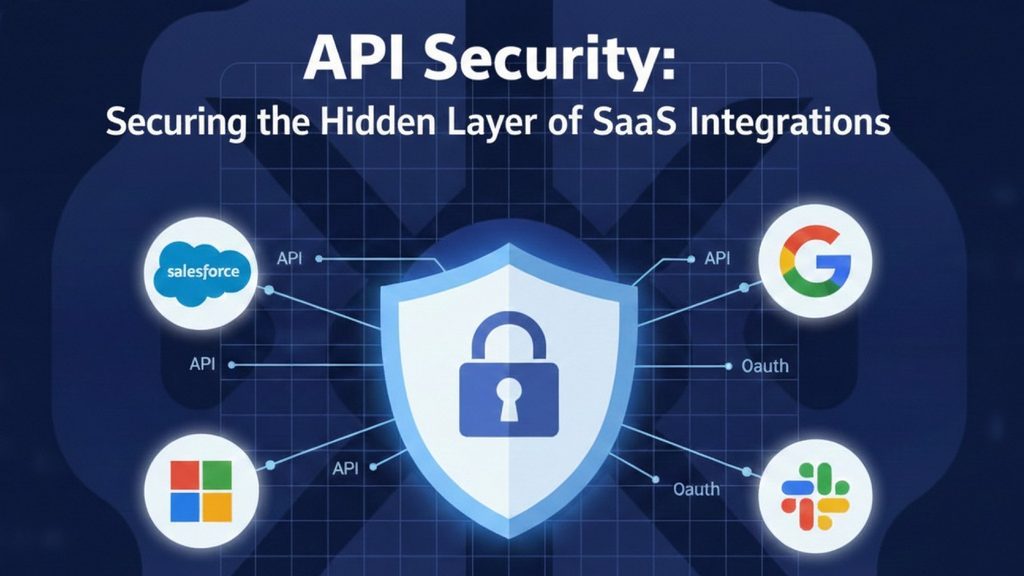
The backend API is usually where event apps get compromised. It’s also the part of the architecture that gets the least scrutiny during development, because the client-side app is what stakeholders see and test. Meanwhile, the API endpoints that handle check-in, session registration, or attendee data export often go live with inadequate authentication, no rate limiting, and predictable URL patterns.
Broken object-level authorization is particularly common. A developer builds an endpoint at /api/attendees/{id} and assumes users will only access their own records. In practice, without proper authorization checks, any authenticated user (or an unauthenticated one, if the auth logic has a gap) can enumerate IDs and pull records that aren’t theirs. NIST’s guidelines for vetting mobile application security describe these types of access control failures as among the most consequential in production apps.
A review of the API design before the first external test should be standard, not optional. That means threat modeling the endpoints explicitly, not just checking that they return the right data.
Third-Party SDKs Are Not Someone Else’s Problem

Event apps almost always include third-party SDKs: analytics, in-app messaging, push notifications, QR code scanning, payment processing, social login. Each of these is code you didn’t write that runs with the same permissions as your app. Trusting it without checking what it does is a supply chain risk that most small teams accept by default without realizing it.
The specific failure mode that comes up repeatedly is an analytics SDK that collects device identifiers, location data, or contact lists as part of its default behavior, in ways that weren’t disclosed to attendees. This isn’t theoretical; it’s been documented across categories. Some SDKs also make outbound network calls that bypass the app’s own security controls, effectively creating a side channel.
Audit what each SDK actually does, not just what its documentation says it does. Network monitoring during testing will often reveal outbound calls to endpoints that weren’t disclosed. If you can’t justify an SDK’s data access against the privacy policy users agreed to, it doesn’t belong in the app.
Session Management Deserves More Attention Than It Usually Gets

Authentication gets attention. Session management (what happens after login, how tokens are stored, how long sessions stay active, how logout is handled) usually doesn’t get the same care. In event apps, where users often log in on borrowed devices or public networks at conference venues, the gap matters more than in most other contexts. A badge scan station at a registration desk, a shared tablet used for networking: these aren’t edge cases for event apps; they’re the normal operating environment.
Storing session tokens in shared storage, using tokens that never expire, or failing to invalidate server-side sessions on logout are all problems that come up frequently. CISA’s mobile cybersecurity shared services initiative was built partly around findings like these, as agencies discovered that even relatively simple apps had session management gaps that exposed sensitive user data.
Concrete answers: tokens stored in the platform’s secure enclave, short expiry windows with silent refresh, and explicit server-side session invalidation when a user logs out. None of this is complicated to implement. The problem is usually that it’s designed during the authentication sprint and then not revisited.
What Happens After Launch Is Still Your Responsibility

Shipping the app is not the end of the security story. Most breaches in consumer apps happen through vulnerabilities introduced during updates, not during the initial build. A new feature that adds a database query, a third-party dependency bumped to fix a bug in another area, a config change made in a hurry before an event goes live: any of these can open a gap that the original security review never saw.
Monitoring matters here. Event apps often get used in a short window and then sit dormant, which means attack attempts that happen outside that window often go unnoticed. Setting up basic anomaly detection on the backend (unusual query volumes, repeated failed authentication attempts, unexpected geographic access patterns) doesn’t require sophisticated tooling, but it requires someone to actually set it up.
The harder truth is that security has to be part of the team’s ongoing process, not a one-time sign-off before submission to the app store. Teams that treat it as a checkbox tend to find out why that was wrong at the worst possible moment.